
How to Upgrade and Optimize Your 12V Boat Freezer Fridge System
Maintaining safe and efficient cold storage on a boat or RV can be a challenge. If you are dealing with inconsistent temperatures, high power draw, or a failing mechanical thermostat, here is a step-by-step guide on how to upgrade your system using digital controls, fan circulation, and variable-speed compressor tuning.

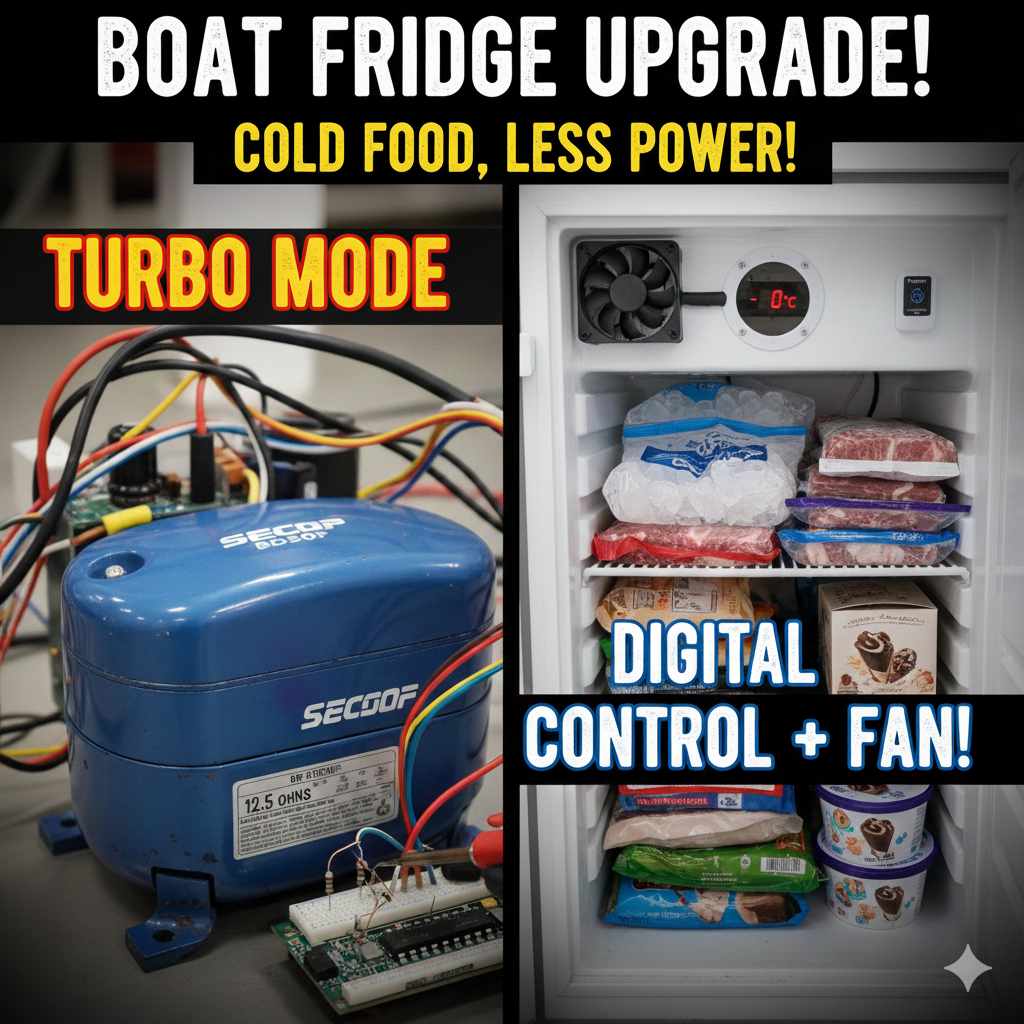
1. Upgrade to Digital Temperature Control with Thermostat Relays
The core problem with many older boat refrigeration units is a faulty or unreliable analog thermostat. Upgrading to an electronic temperature relay is an affordable way to gain precise digital control over your system.
The Problem and the Solution
- The original system may have a rusted or failing thermostat that is essentially “always on”.
- Most boat fridge/freezers operate on a single compressor system: the freezer has the cooling plate, and the fridge is cooled parasitically via a “spillover” of cold air from the freezer.
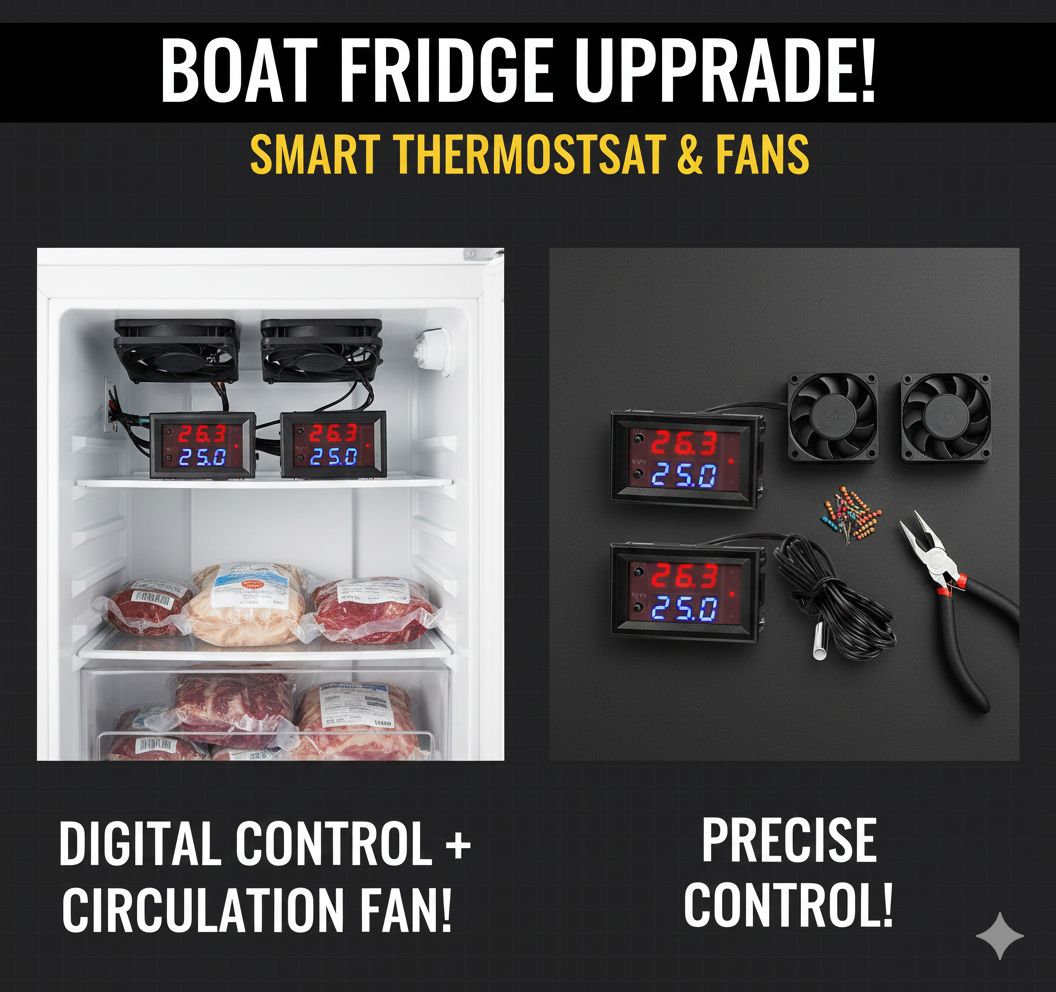
- The Fix: Install inexpensive digital temperature relays that control the power to the compressor or a circulation fan.
Installation Steps
- Choose your Relays: Use temperature relays that have a separate sensor and can read in Fahrenheit or Celsius. They typically work by turning the ground (negative) wire off and on to control the electric motor or fan.
- Connect to Power: The thermostat relays need power, and they then act as a switch for the cooling component.
- Use the Buffer: The relays have a built-in temperature buffer (e.g., 2 degrees) to prevent the compressor or fan from constantly cycling on and off.
- Wire the Compressor: The compressor runs when the relay closes the circuit. On SECOP/Danfoss systems, the blue and yellow wires control the compressor and can be used to run the system through the relay.
🔗 Watch the setup: Thermostat Relays For Our Fridge And Freezer! Fixed Video
2. Implement the Spillover Fan for Fridge Cooling
Since your fridge is cooled parasitically from the freezer, you need an effective way to move cold air between the two compartments.
Link for Digital Thermostat Relays https://amzn.to/4gJNHDI

Spillover Fan Setup
- The Goal: Use a small fan to pull cold air from the freezer compartment and push it into the fridge compartment.
- Fan Selection: Use a water-resistant or damp-environment fan, as the freezer will have moisture.
- Placement: Install the fan near the spillover opening between the freezer and fridge to help circulate the cold air more evenly.
- Control: This fan can be wired to one of your new thermostat relays, set to turn on when the fridge temperature gets too warm.
3. Tune the Variable Speed Compressor (SECOP/Danfoss)
If your variable-speed compressor (like the BD50F or BD35F) is running constantly but failing to reach safe freezing temperatures, you may need to adjust its speed using resistors.

Understanding Compressor Speed Control
- The SECOP/Danfoss control board uses resistance to determine the compressor’s RPM (revolutions per minute).
- Lower resistance generally results in slower speeds (less power, less cooling). Higher resistance results in faster speeds (more power, more cooling—”Turbo” mode).
- By inserting a resistor between the C and T terminals on the control board (where the compressor wires connect), you can tune the compressor speed.
Setting Up Multiple Cooling Modes
To switch between high efficiency (Normal) and maximum cooling (Turbo), you can wire different resistors to a 3-way switch (Off/Normal/Turbo):
- Choose Resistors: Select resistors based on the required OHM values for your desired RPMs.
- Example Target Values: The system can be tuned to run at around 687 Ohms for a standard/medium-cool mode and as low as 1200 Ohms for a “Turbo” mode. “Look Up Max Resistance For Your Compressor”
- Install the Switch: Wire the resistors to a 3-way selector switch.
- Center Position (Off): No power to the circuit. We use this as defrost mode.
- Normal Mode: Connects a lower-ohm or no resistor for a low/medium cooling speed (better energy efficiency).
- Turbo Mode: Connects a higher-ohm resistor for the highest cooling speed (maximum power).
Important Note: Running in “Turbo” mode will increase your power consumption (amp draw), so it should be used judiciously, especially when running on limited battery power.
🔗 Watch the tuning process: How To Freezer, For RVs And Boats.
4. Other Maintenance and Optimization
These steps are crucial for ensuring your upgraded system performs efficiently:
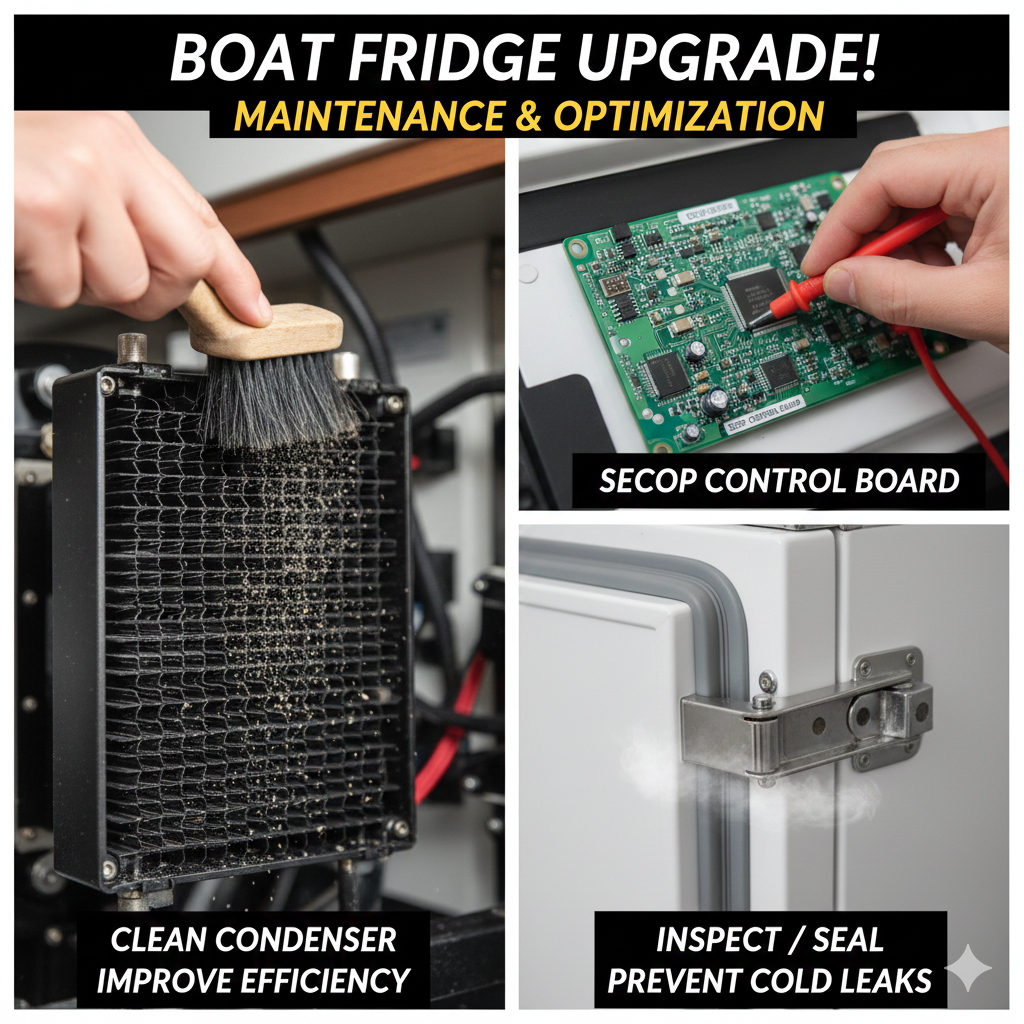
- Clean the Condenser: Dust and dirt on the condenser fins will prevent heat exchange, making your compressor work harder and hotter. Use a soft brush and a blower to gently clean the fins without bending them.
- Inspect/Replace the Control Board: If the system is dead, the control board may have failed (e.g., due to a shorted phone cable). Replacement boards can be expensive but necessary to get the system running.
- Ensure a Tight Seal: Check all door latches, seals, and hinges. You can even install a gas strut lift spring to hold the heavy freezer lid open and secure the seal when closed (This fan installation is also discussed at).
🔗 Watch the full repair, tuning, and maintenance process: Boat & RV Fridge Cool Down: Mastering the SECOP/Danfoss Refrigerator | Ep 33 #svaguaazul #sailboat
Get content early by becoming our YouTube member https://www.youtube.com/playlist?list=UUMOZBmn0CZW578hpt4ImB3CRA
Follow our boat on NOFOREIGNLAND: https://www.noforeignland.com/boat/5694391589011456
💲 Support us by shopping through our affiliate links! Amazon: https://amzn.to/351krTR
🎈 You Can Also Follow Us On:
- https://www.facebook.com/ChrisDoesWhat/
- https://www.instagram.com/chrisdoeswhat/
- https://www.instagram.com/dininginwithdanielle/
- https://www.pinterest.com/ChrisDanielleRedding/
💎 Have a Website? Increase Your Revenue With Ezoic: https://ezoic.com/?tap_a=6182-5778c2&tap_s=1472908-dc0848